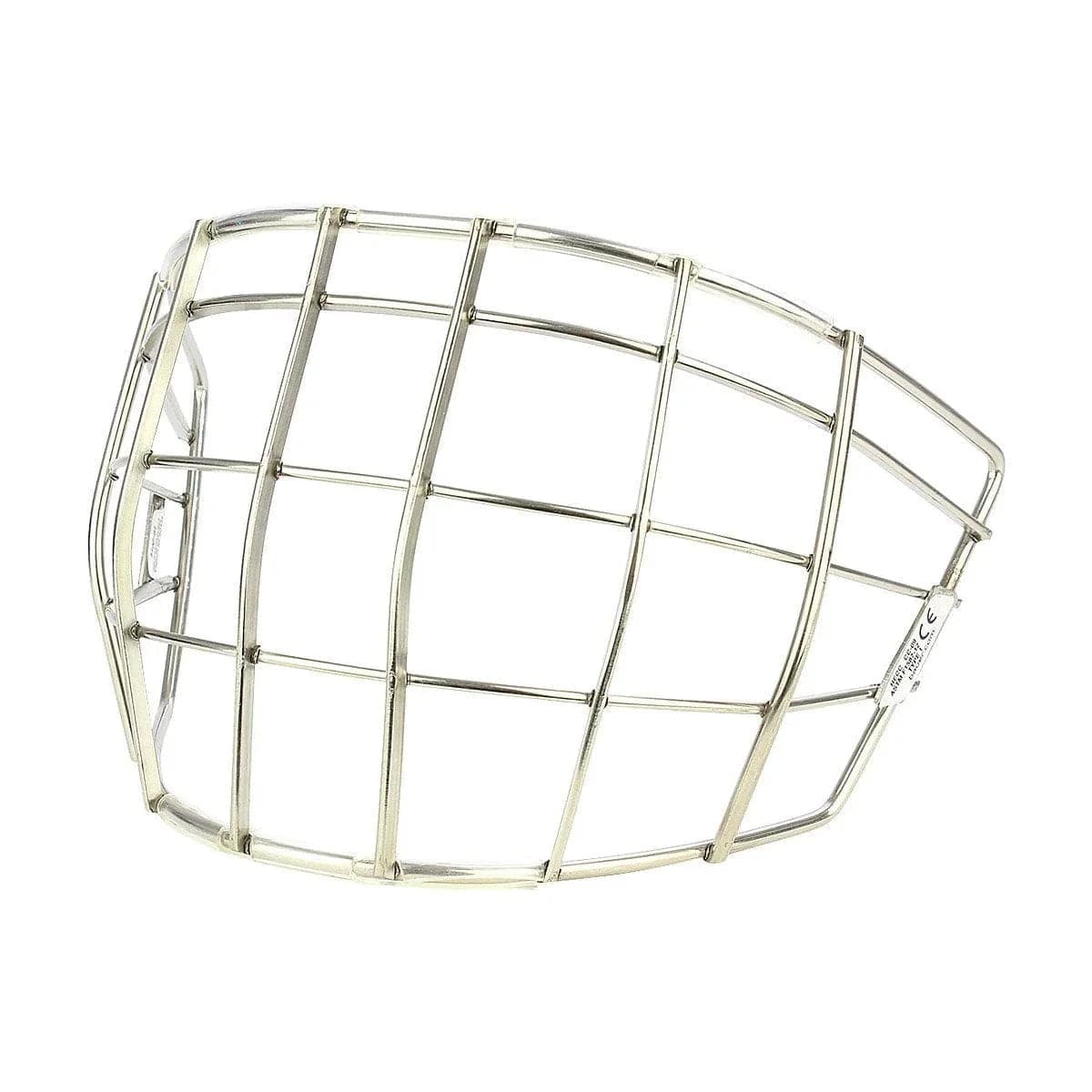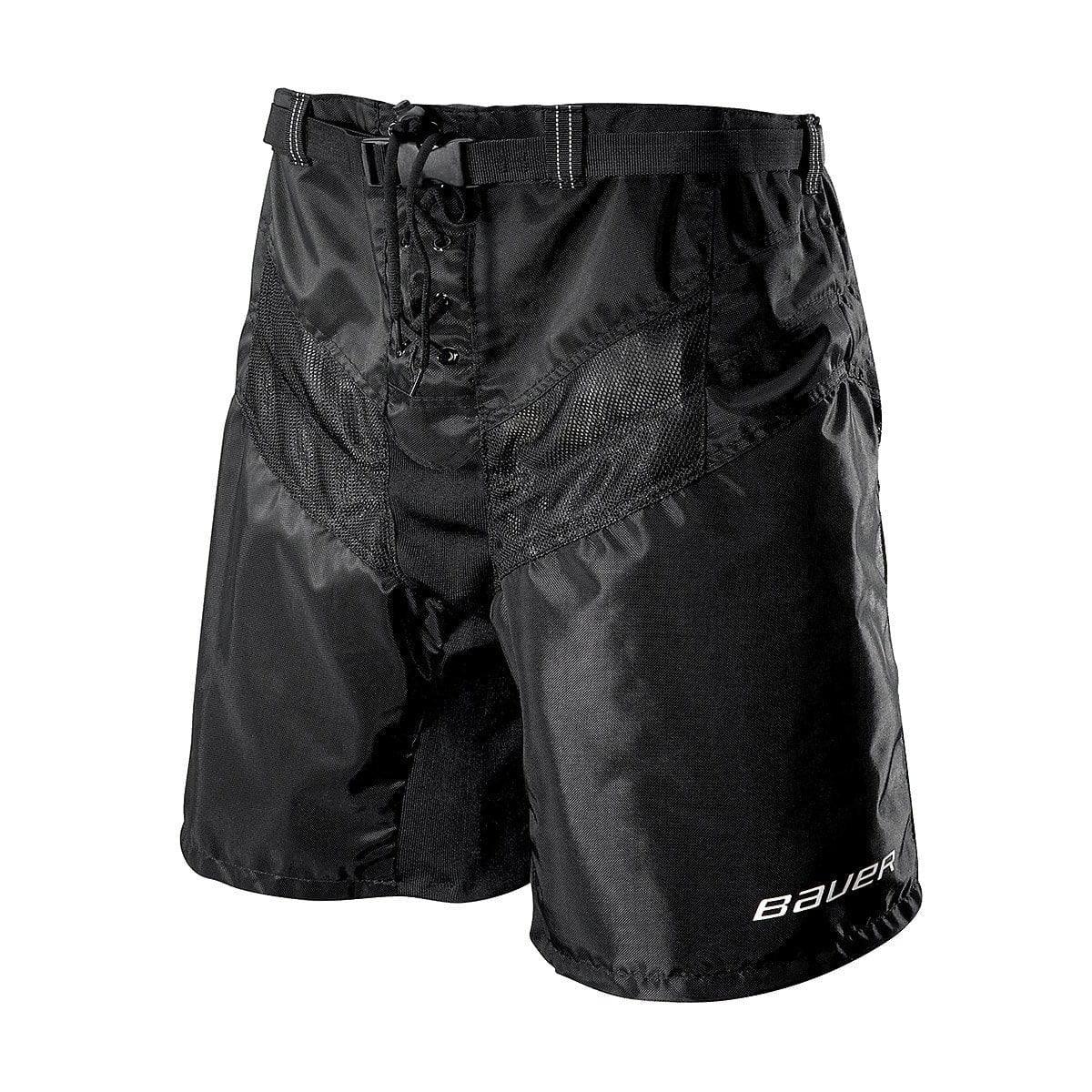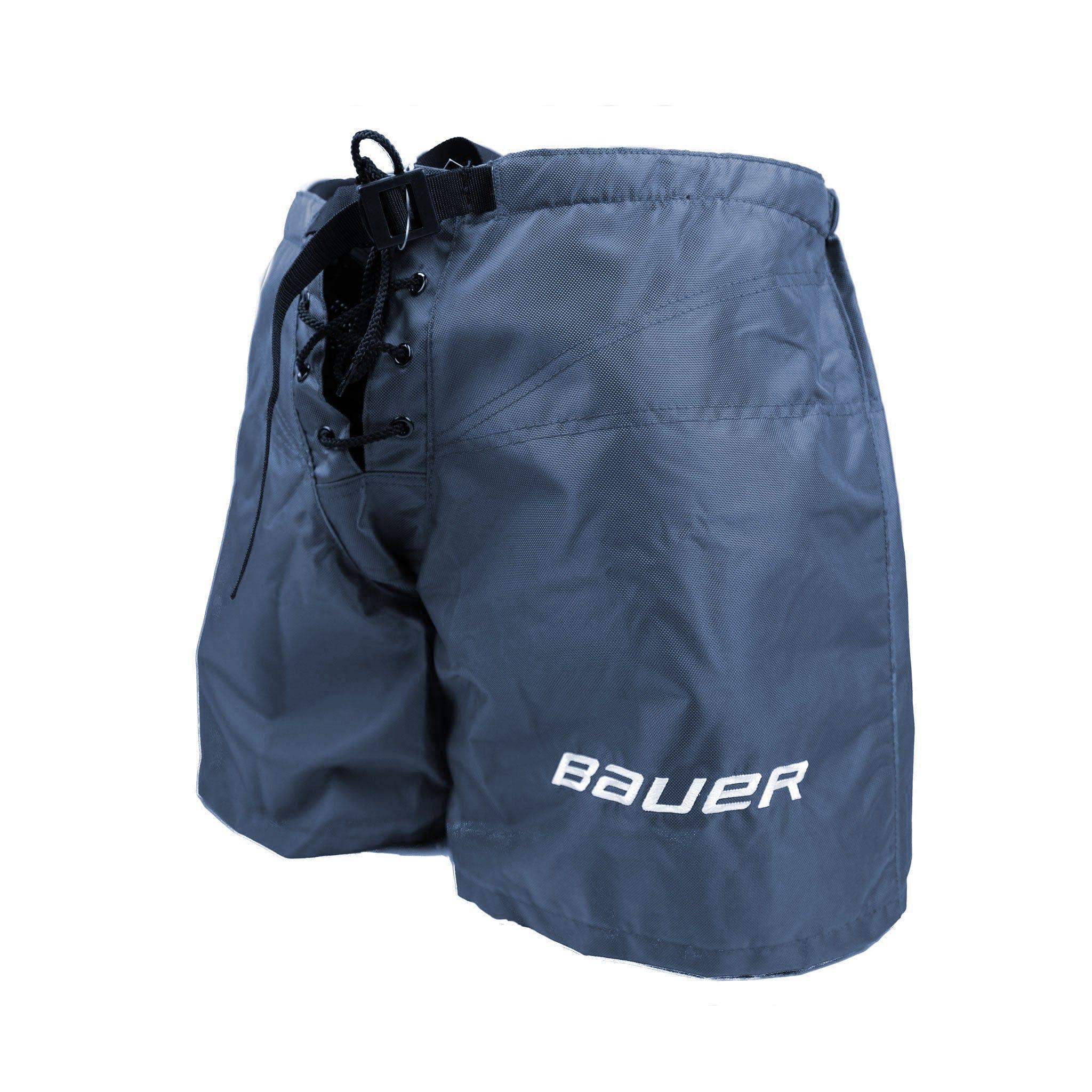

Bauer Vapor HyperLite Custom Goalie Leg Pads
How to Order Custom Bauer Vapor HyperLite Goalie Gear
Ordering custom gear is one of the most exciting moments for goalies of all levels. You've spent hours designing on the customizer, dialing in your sizing and specs—but what comes next? Follow this guide to complete your custom Bauer Vapor HyperLite goalie gear order at The Hockey Shop.
Step 1: Access the MyBauer Goalie Customizer
Visit the Bauer website and click on the Customize link at the top right. Then, select Goal Gear to access the MyBauer Goalie Customizer. For convenience, use the direct link below:
Step 2: Choose Between Pro Custom & Custom
Bauer offers two levels of customization:
- Pro Custom: More advanced spec options for performance customization.
- Custom: Standard customization options for goalies.
Choose the option that best suits your preferences and playing style.

Step 3: Customize Your HyperLite Goalie Equipment
Now, it's time to customize your Bauer goalie gear, including:
- Leg pads
- Catcher
- Blocker
You can order all three items together, individually, or in any combination.

Step 4: Save Your Design
Once you've finalized your setup, click "Save To Order". A confirmation window will appear, allowing you to select which gear you want to purchase.

Step 5: Email Your Recipe ID to The Hockey Shop
After saving your design, click "Continue" and then "Save Design". This generates a unique Recipe ID Number that corresponds to your custom setup. Please copy this number and email it to us at:

Step 6: The Hockey Shop Follow-Up
Once we receive your Recipe ID, a goalie specialist will contact you to confirm your order details, answer any questions, and provide recommendations if needed.
Step 7: Finalizing & Submitting Your Order
After confirming your specs and colors, we will submit your order to Bauer. A deposit is required at this stage to begin production.
Ordering Bauer Digi-Print Custom Goalie Gear
If you're ordering Bauer Custom Digi-Print Graphic goalie gear, follow these additional steps:
Step 1: Create Your Custom Gear
Use the MyBauer customizer to configure your gear specs and generate your Recipe ID.
Step 2: Submit Graphic References
Email any sketches, images, or reference pictures of your desired design to [email protected]. These will be sent to Bauer’s graphic design team.
Step 3: Receive & Approve a Mock-Up
Bauer’s team will provide a digital mock-up based on your submission. You can request up to three revisions to fine-tune your design.
Step 4: Final Approval & Submission
Once satisfied with the final design and confirmed specs, we’ll officially submit your order. A deposit is required at this stage.
Original: $1,521.00
-65%$1,521.00
$532.35Product Information
Product Information
Shipping & Returns
Shipping & Returns
Description
How to Order Custom Bauer Vapor HyperLite Goalie Gear
Ordering custom gear is one of the most exciting moments for goalies of all levels. You've spent hours designing on the customizer, dialing in your sizing and specs—but what comes next? Follow this guide to complete your custom Bauer Vapor HyperLite goalie gear order at The Hockey Shop.
Step 1: Access the MyBauer Goalie Customizer
Visit the Bauer website and click on the Customize link at the top right. Then, select Goal Gear to access the MyBauer Goalie Customizer. For convenience, use the direct link below:
Step 2: Choose Between Pro Custom & Custom
Bauer offers two levels of customization:
- Pro Custom: More advanced spec options for performance customization.
- Custom: Standard customization options for goalies.
Choose the option that best suits your preferences and playing style.
Step 3: Customize Your HyperLite Goalie Equipment
Now, it's time to customize your Bauer goalie gear, including:
- Leg pads
- Catcher
- Blocker
You can order all three items together, individually, or in any combination.
Step 4: Save Your Design
Once you've finalized your setup, click "Save To Order". A confirmation window will appear, allowing you to select which gear you want to purchase.
Step 5: Email Your Recipe ID to The Hockey Shop
After saving your design, click "Continue" and then "Save Design". This generates a unique Recipe ID Number that corresponds to your custom setup. Please copy this number and email it to us at:
Step 6: The Hockey Shop Follow-Up
Once we receive your Recipe ID, a goalie specialist will contact you to confirm your order details, answer any questions, and provide recommendations if needed.
Step 7: Finalizing & Submitting Your Order
After confirming your specs and colors, we will submit your order to Bauer. A deposit is required at this stage to begin production.
Ordering Bauer Digi-Print Custom Goalie Gear
If you're ordering Bauer Custom Digi-Print Graphic goalie gear, follow these additional steps:
Step 1: Create Your Custom Gear
Use the MyBauer customizer to configure your gear specs and generate your Recipe ID.
Step 2: Submit Graphic References
Email any sketches, images, or reference pictures of your desired design to [email protected]. These will be sent to Bauer’s graphic design team.
Step 3: Receive & Approve a Mock-Up
Bauer’s team will provide a digital mock-up based on your submission. You can request up to three revisions to fine-tune your design.
Step 4: Final Approval & Submission
Once satisfied with the final design and confirmed specs, we’ll officially submit your order. A deposit is required at this stage.